

AI Integration Quick Reference
AI Integration Quick Reference
Instant Messaging
Real-time text messaging — users can send and receive instant messages.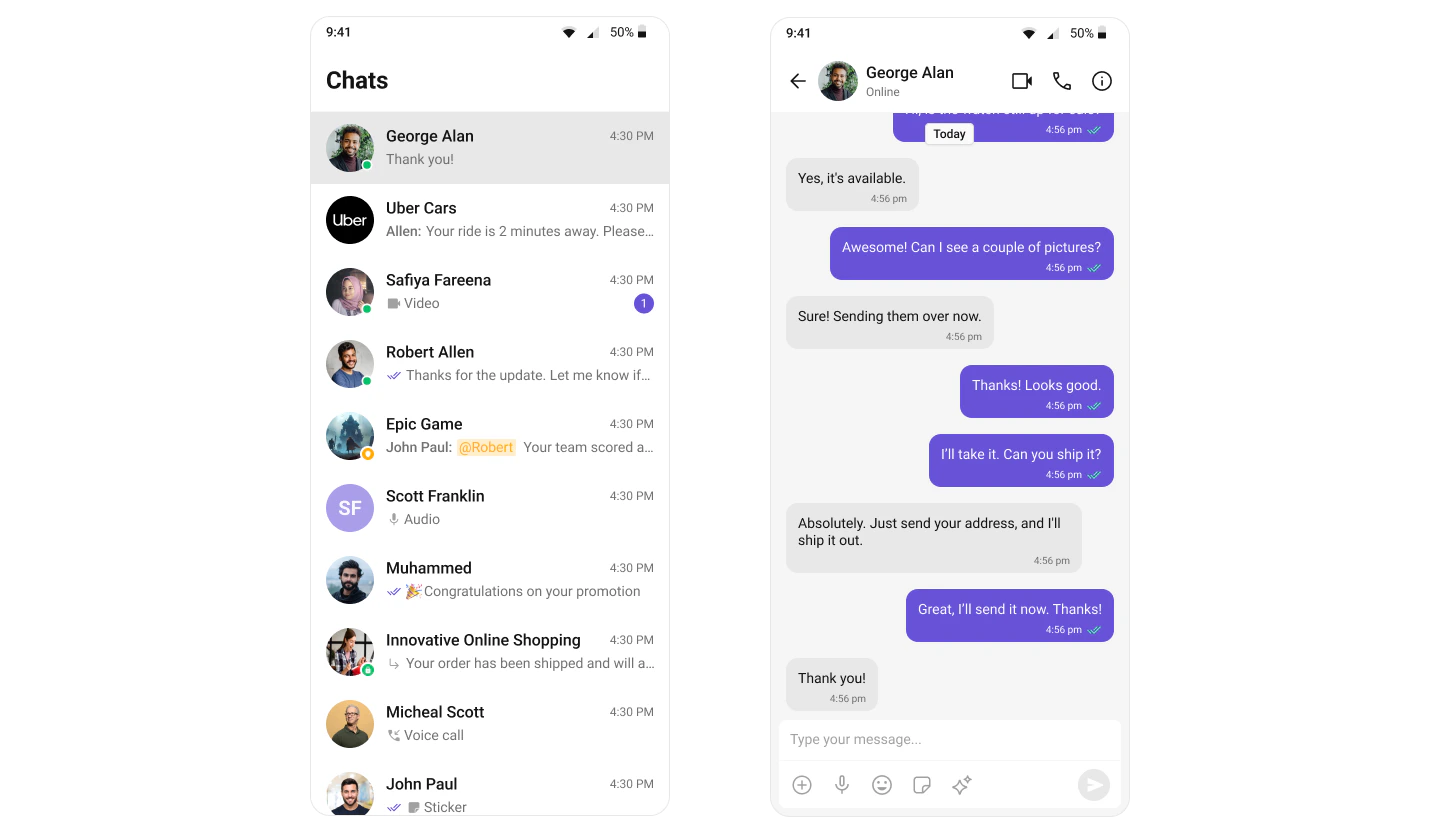
Media Sharing
Share images, videos, audio files, and documents within conversations.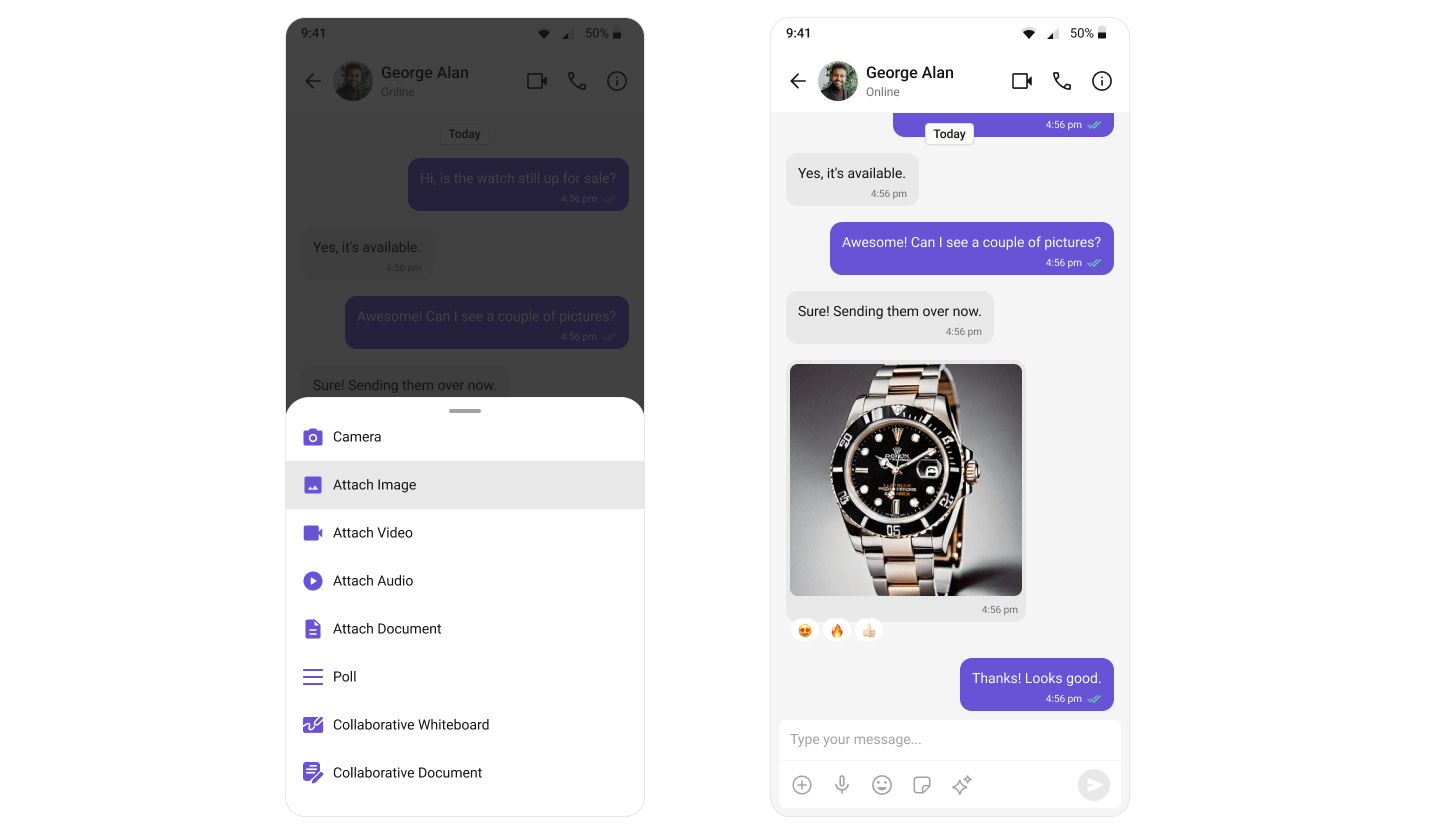
Read Receipts
Visibility into message status — delivered and read indicators.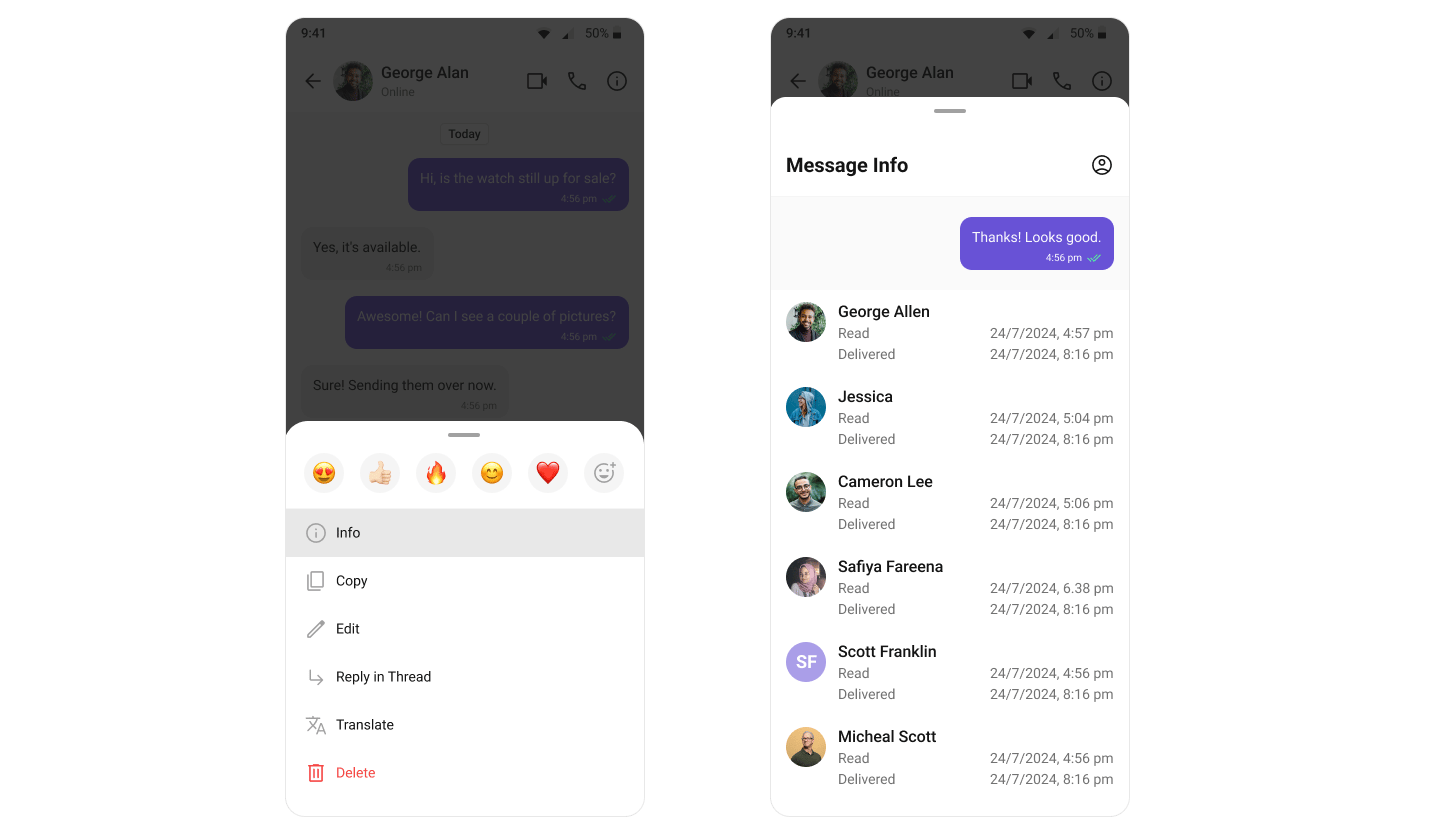
Mark as Unread
Users can manually mark messages as unread to revisit important conversations later. The message list can start from the first unread message automatically.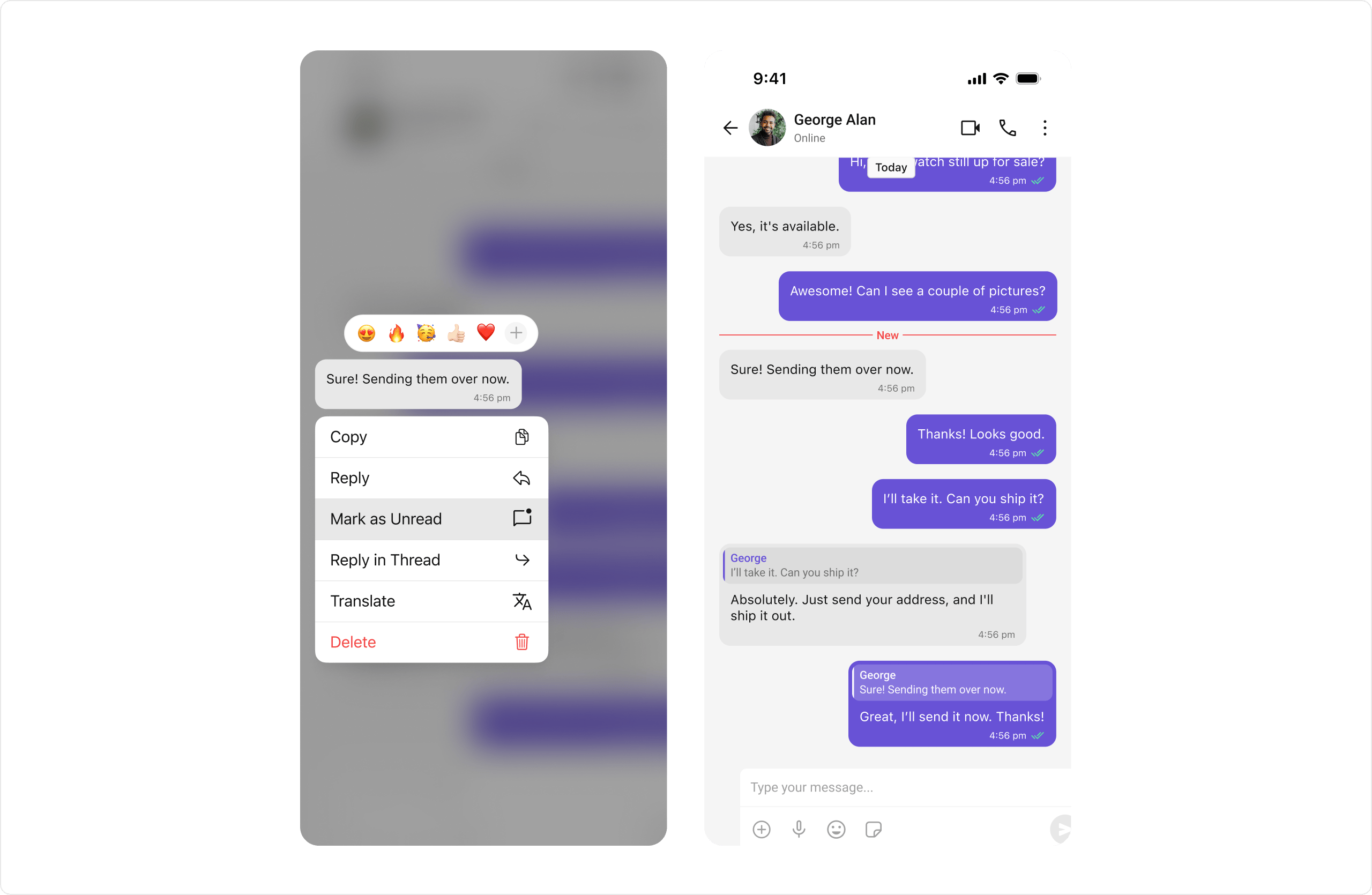
Typing Indicators
Shows when a user is typing a response in real-time.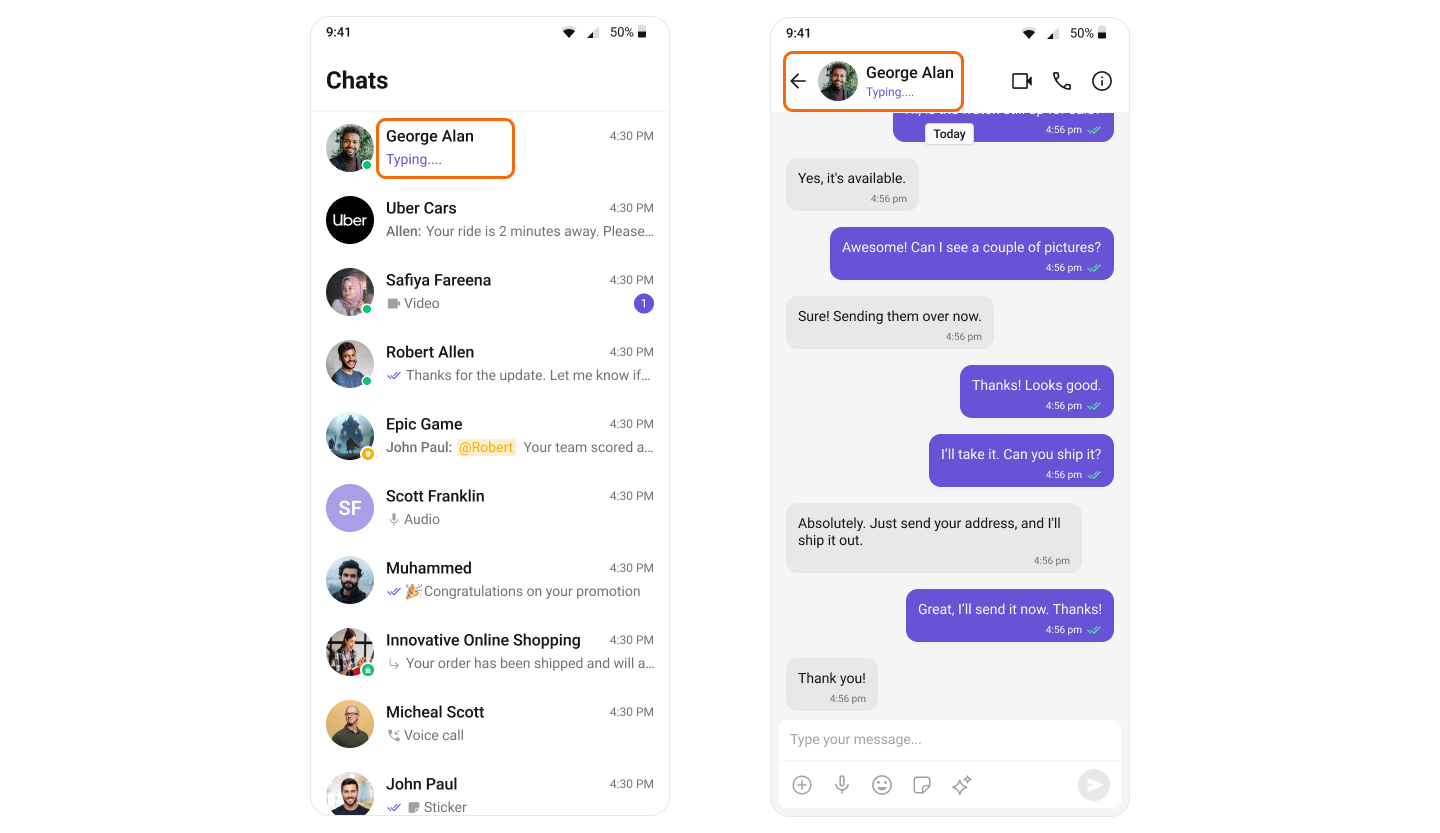
User Presence
See whether contacts are online or offline.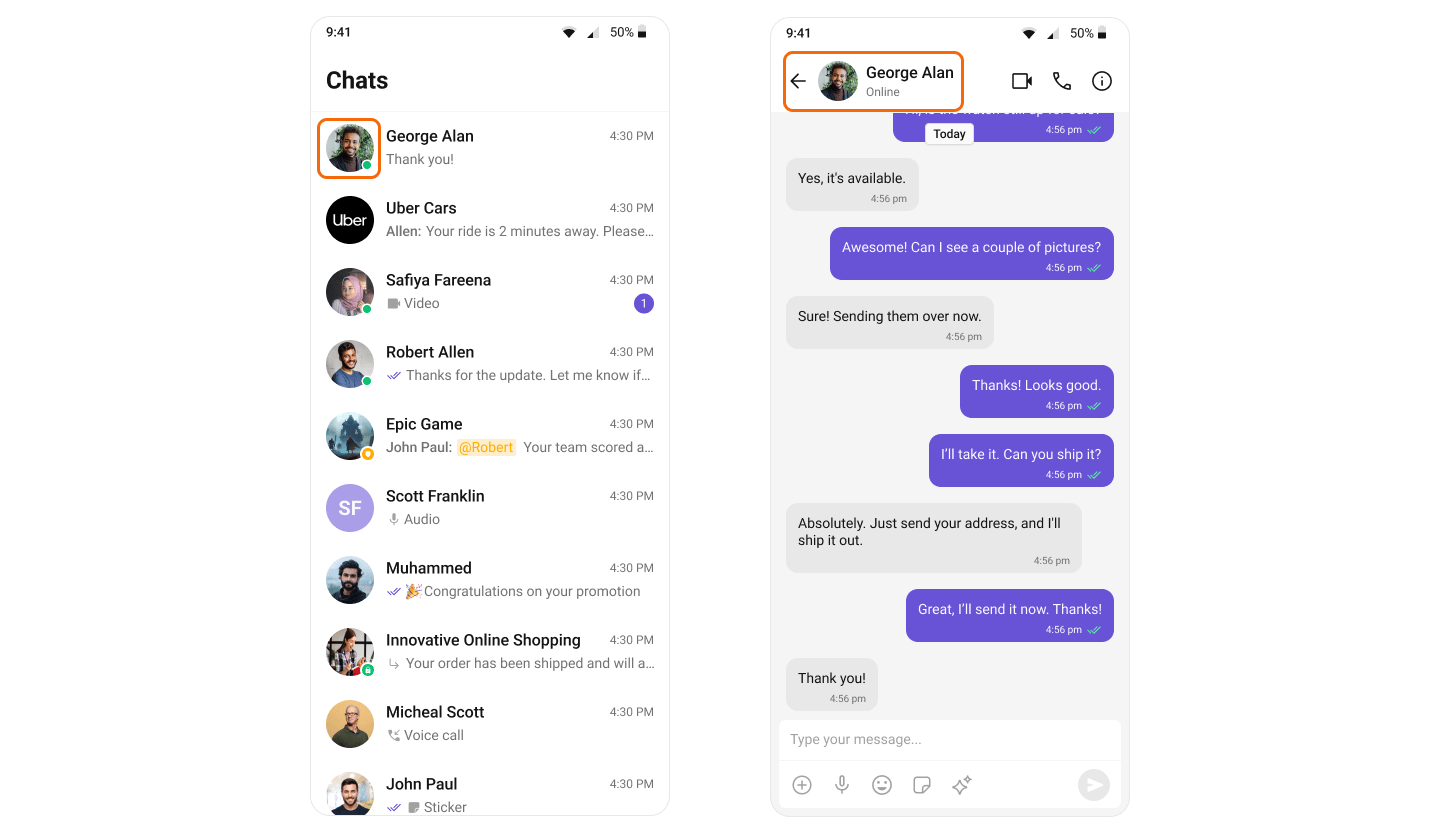
Reactions
React to messages with emojis without typing a full response.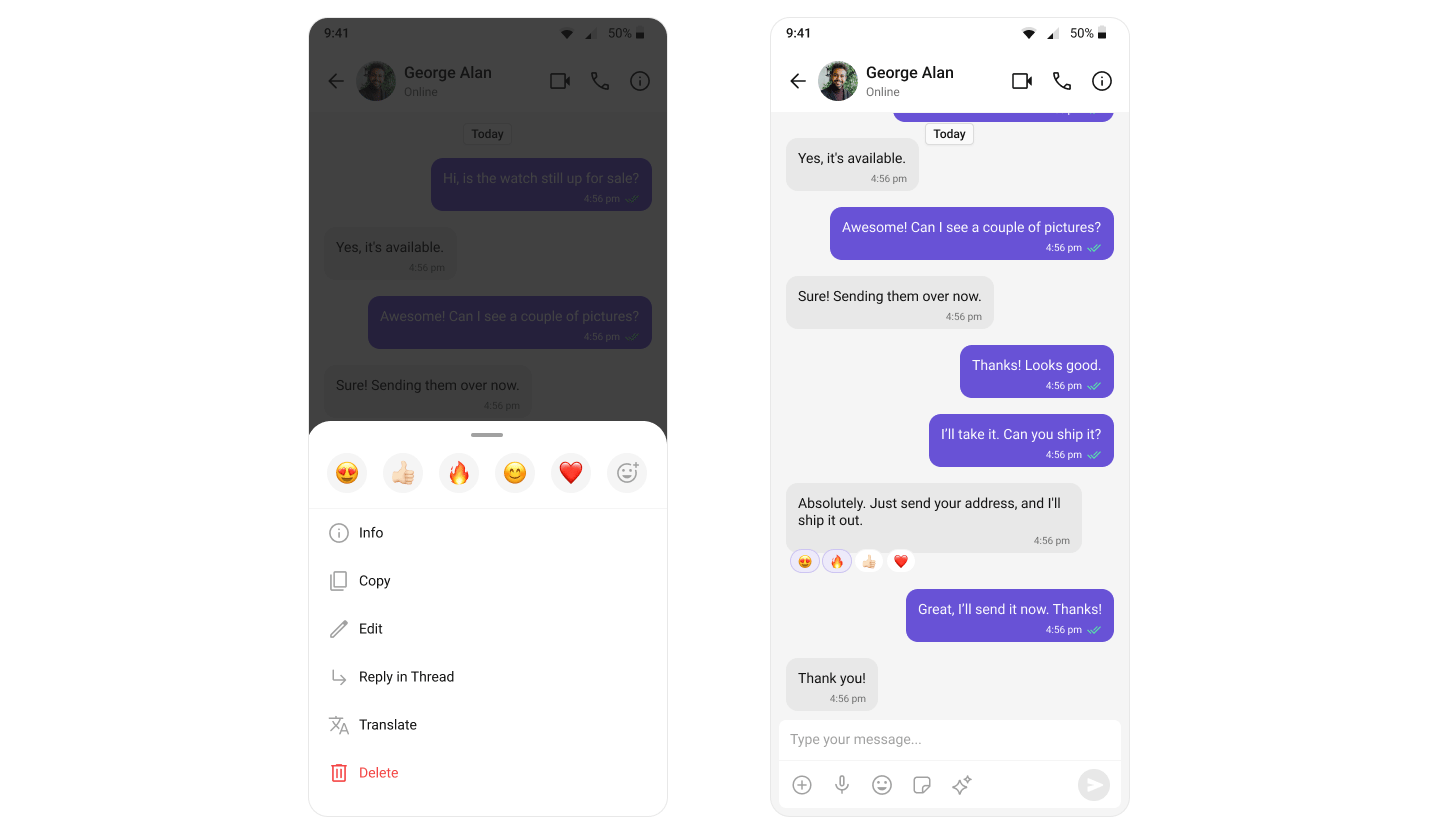
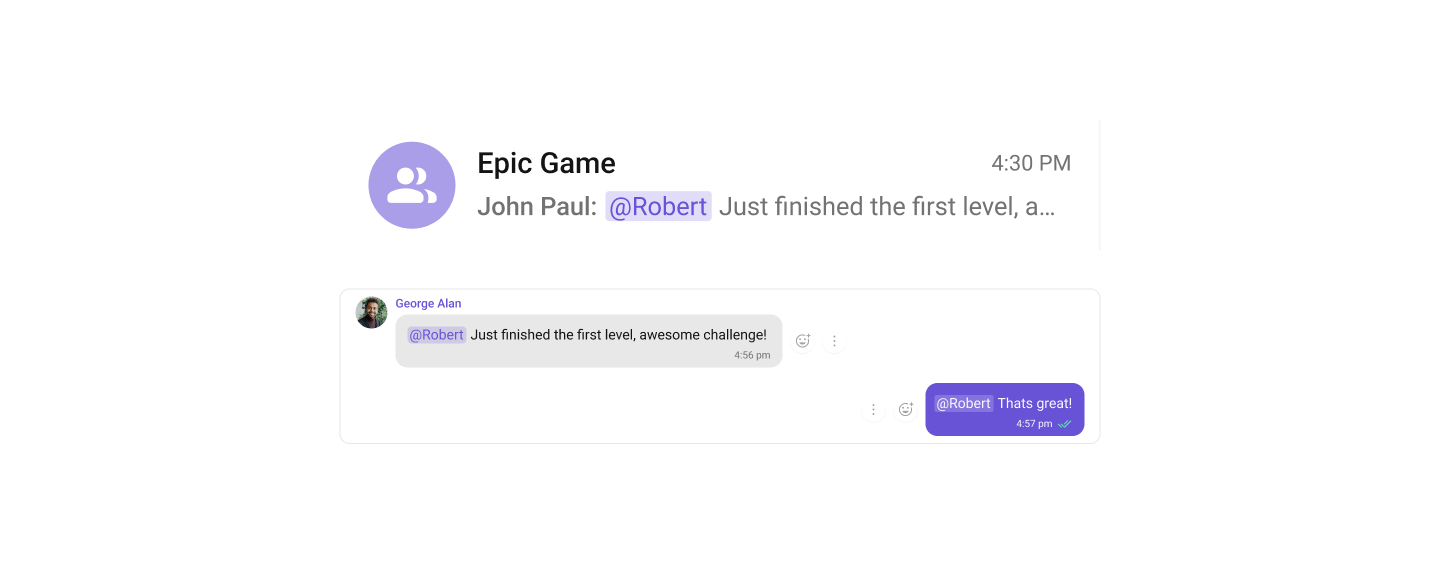
Mentions
Address specific users in a conversation by typing@ to trigger mention suggestions.
Threaded Conversations
Respond directly to a specific message, keeping conversations organized.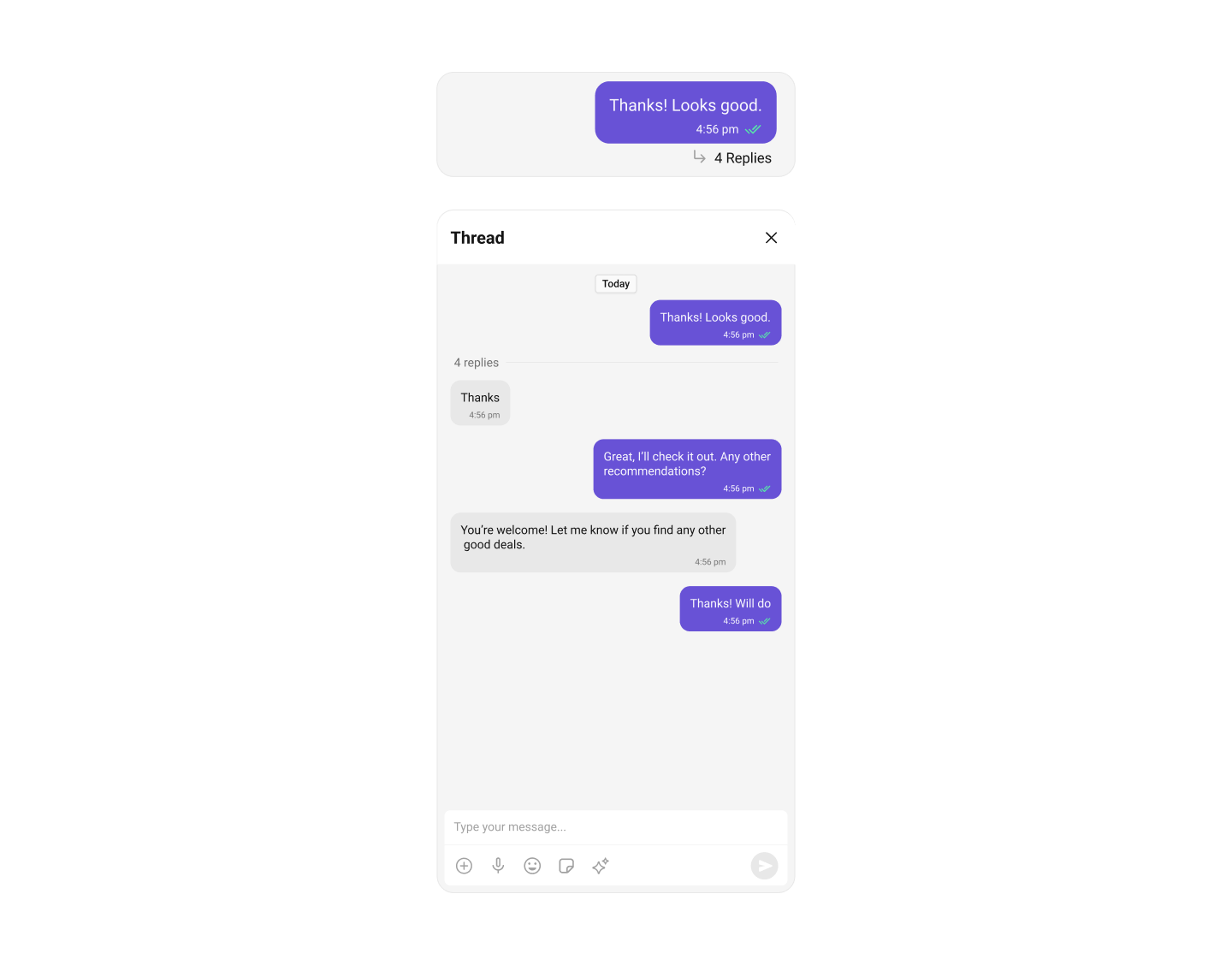
Quoted Replies
Reply to specific messages by selecting “Reply” from the message action menu, maintaining context in the conversation.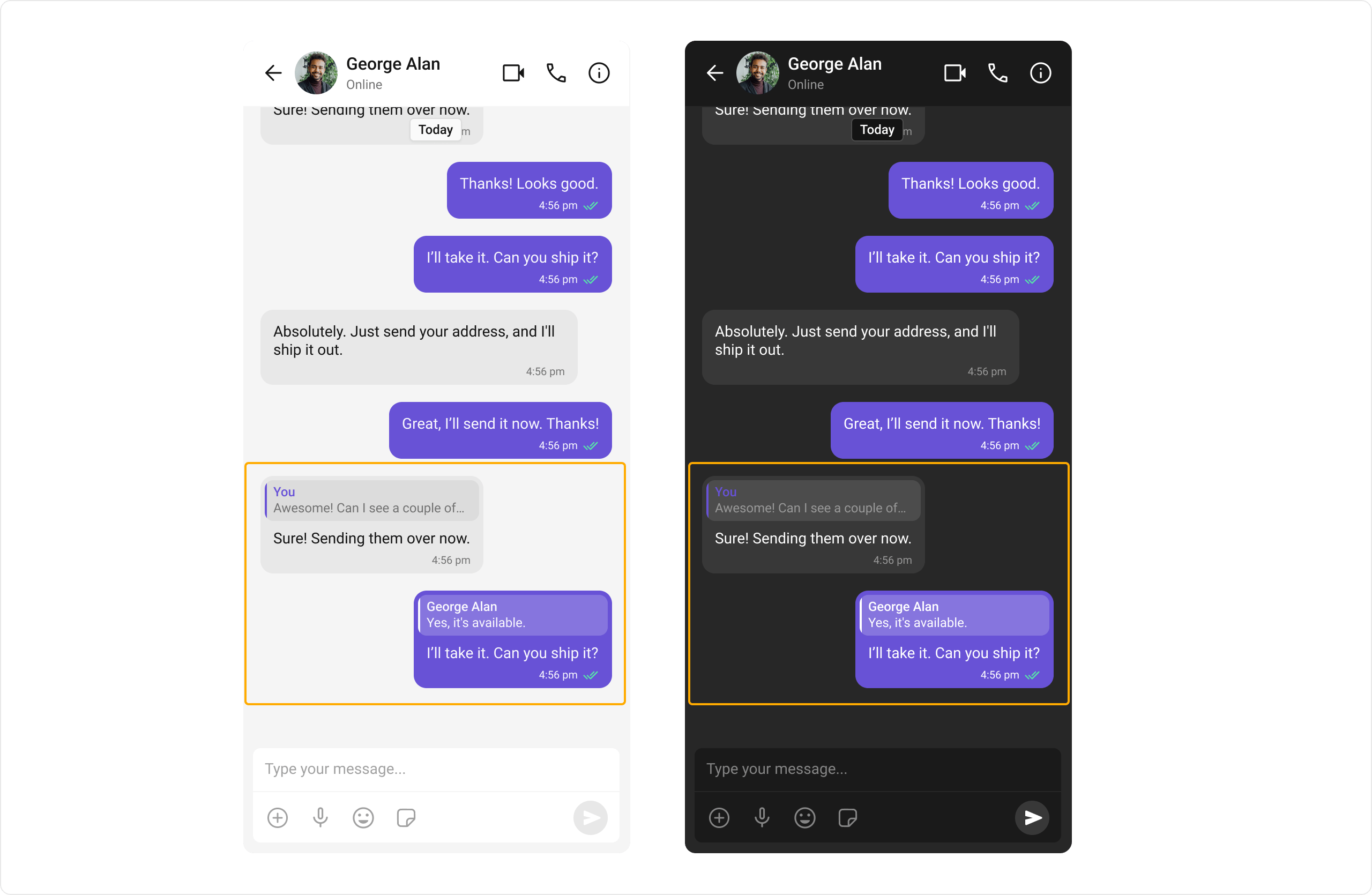
Group Chats
Conversations with multiple participants — team collaborations, group discussions, and communities.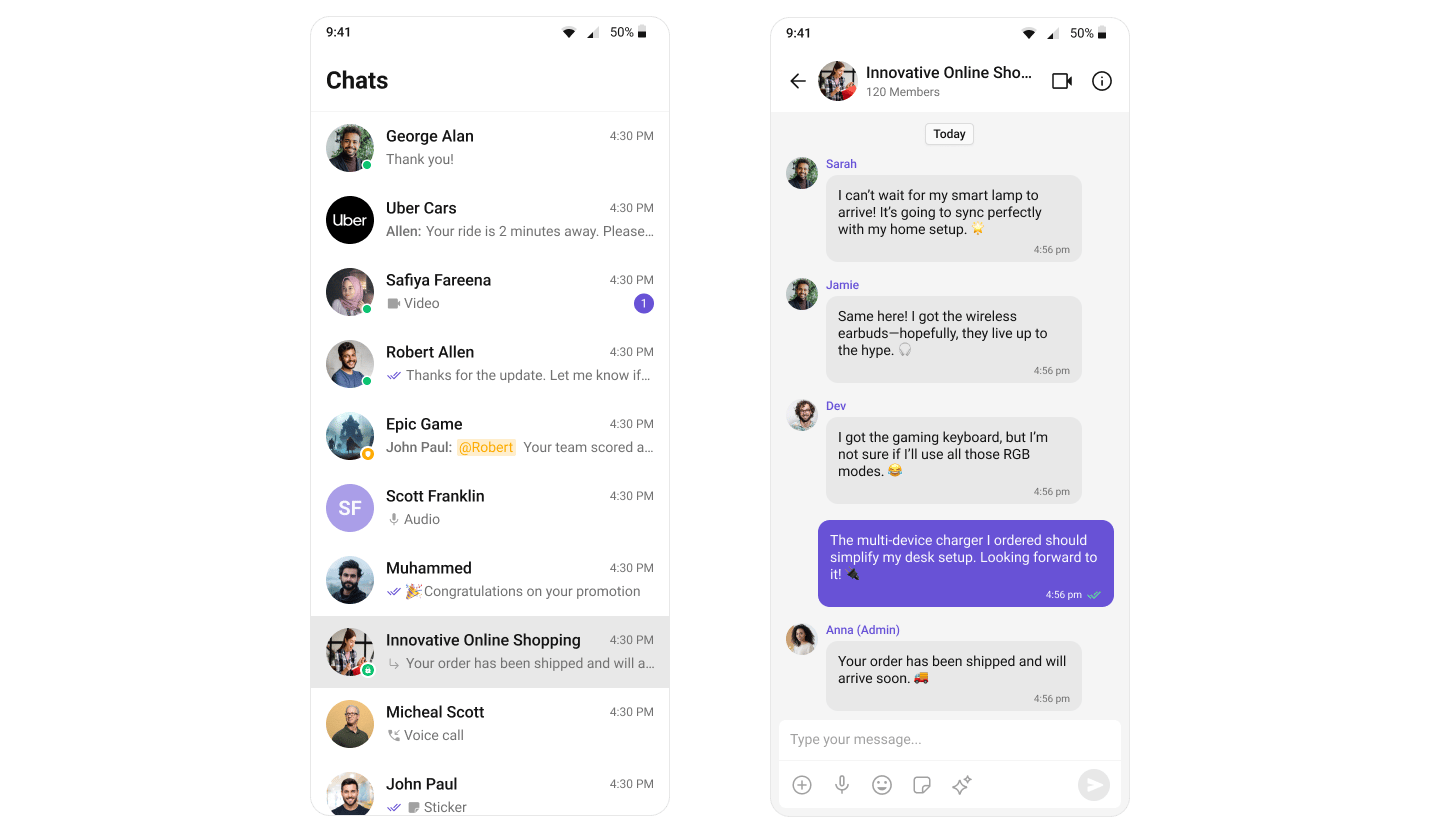
Moderation
Automatically filter and manage inappropriate content based on predefined rules.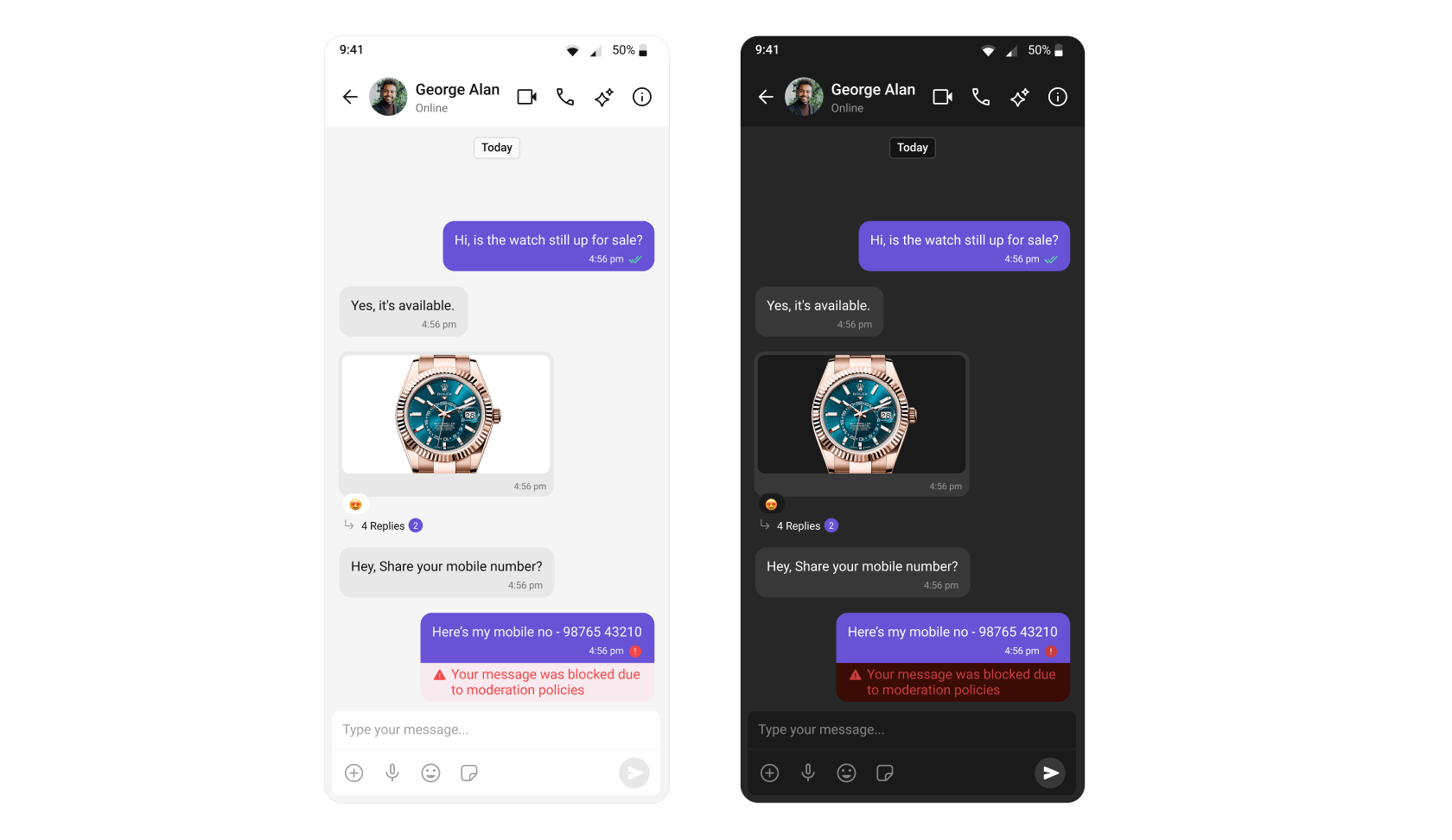
Learn more about setting up moderation rules in the Moderation documentation.
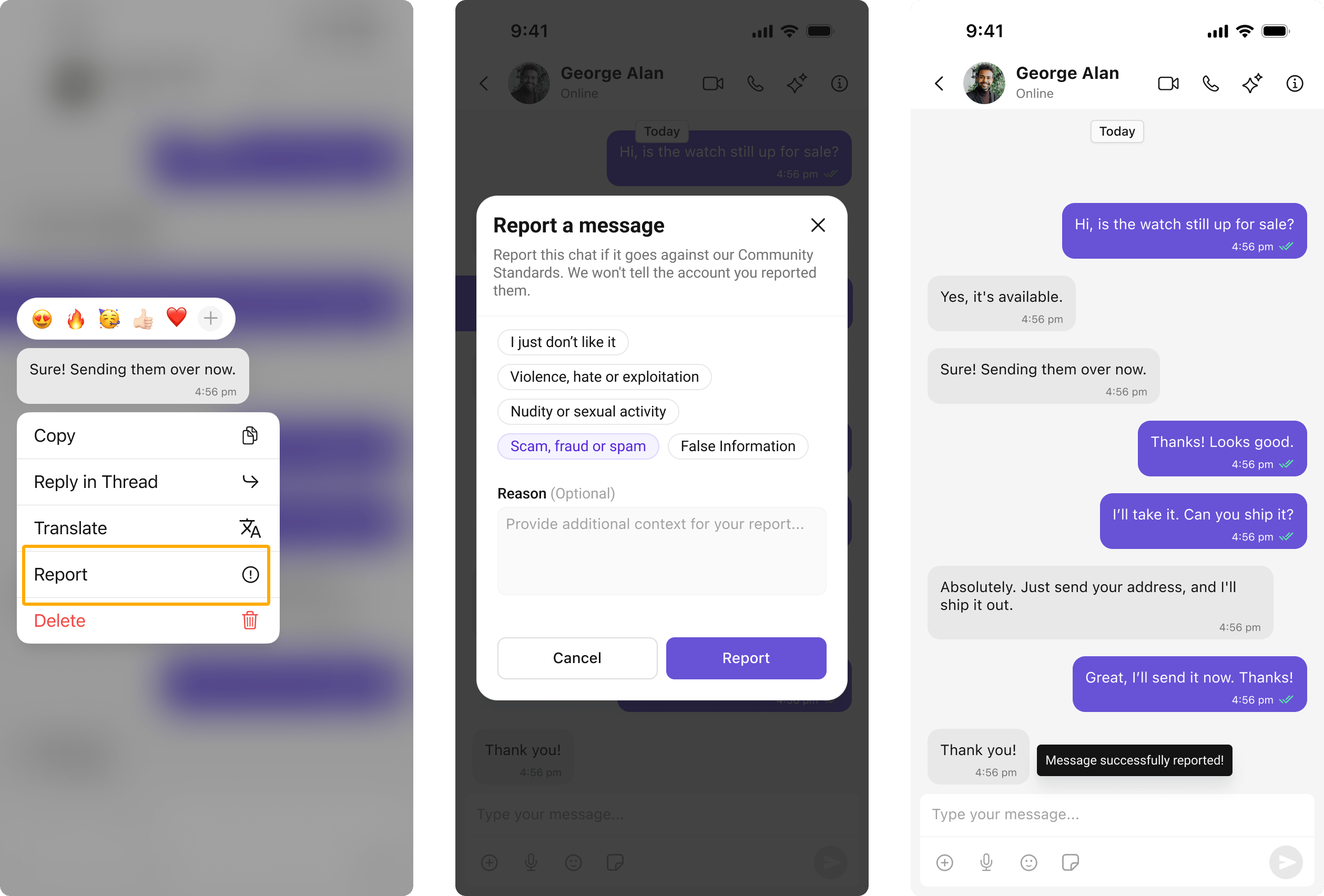
Report Message
Users can report inappropriate messages by choosing from predefined reasons with optional remarks.Learn more about flagged messages in the Flagged Messages documentation.
Next Steps
Components Overview
Browse all available UI Kit components
Theme
Customize the look and feel of your chat UI
Call Features
Add audio and video calling
AI Features
Explore AI-powered chat capabilities